Buildin vs. ClickUp 2026: Knowledge Workspace vs. Project Management
Compare Buildin vs. ClickUp in 2026 across knowledge management, project tracking, monetization, AI, privacy, pricing, and team workflows.
If you've landed here searching for a Notion alternative or a PKM tool for your team, you may want to pause before diving deep into a Buildin vs. ClickUp comparison. These two tools serve fundamentally different masters: ClickUp is a project management platform built for engineering sprints and ticket tracking, while Buildin is a knowledge management system built for creators, writers, and anyone building a second brain or monetizing their knowledge. Understanding this split is the key to making the right choice in 2026.
Both are heavyweight productivity platforms, but they serve two very different masters. If your search intent is 'notion alternatives 2026' or 'best PKM tools for teams', Buildin is the closer match — ClickUp doesn't do content monetization or knowledge base publishing at all.
Let me cut to the chase: If you want a platform that helps you monetize your knowledge and manage content with enterprise-grade security, choose Buildin.
If you need a complex, agile project management tool strictly for tracking engineering sprints and tickets, choose ClickUp.
But of course, business decisions aren't made in black and white. Let's dig deeper into the DNA of these tools to help you make the right choice.
First, Let's Unpack Their Core Identities
What is Buildin?
Think of Buildin as the evolution of the "All-in-One" workspace. It takes the intuitive, block-based editing experience of Notion and supercharges it with two distinct superpowers: Content Monetization and Data Sovereignty.
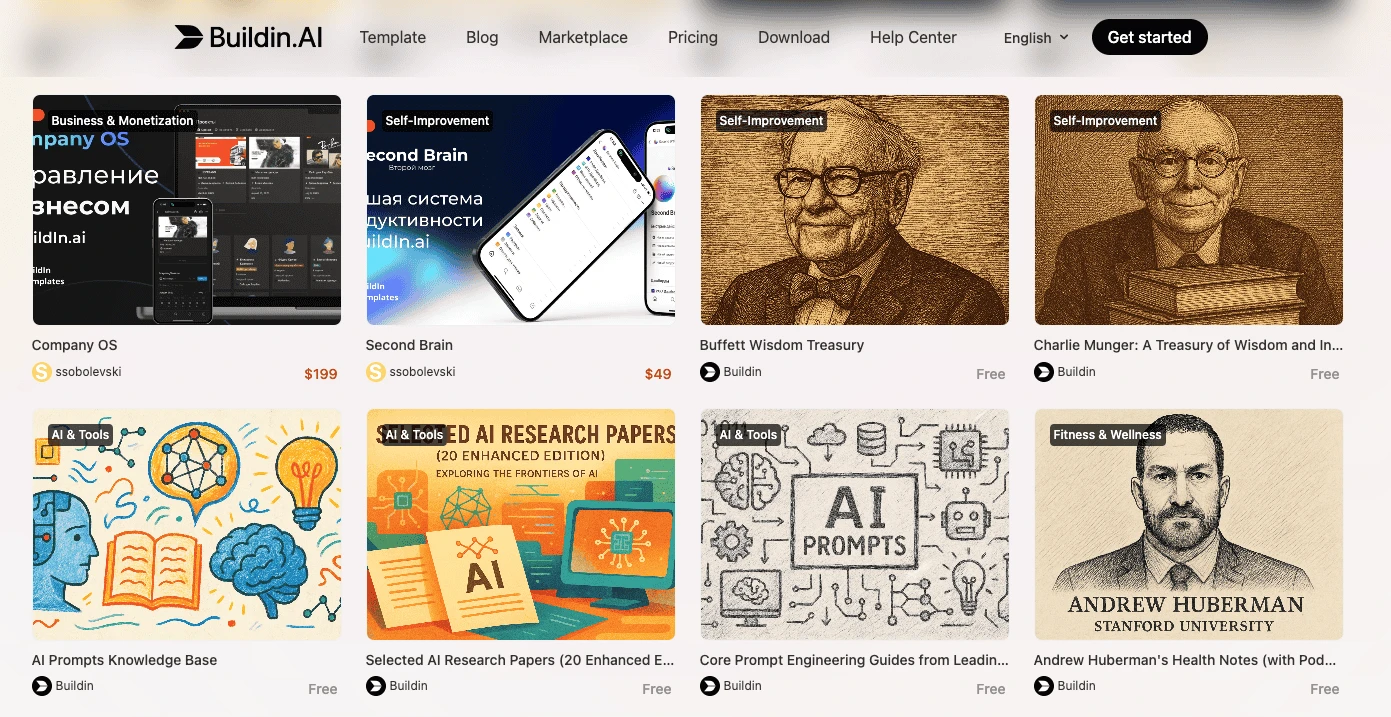
Buildin isn't just a place to manage work; it's a place to publish and sell it. It unifies project management, team collaboration, and a knowledge base into one seamless interface. But unlike its competitors, it allows creators to turn pages into paid products (subscriptions or one-time purchases) and allows enterprises to host the entire platform on their own servers.
In short: Buildin is designed for Knowledge Entrepreneurs and Security-Conscious Teams.
What is ClickUp?
ClickUp markets itself as "The Everything App." Its goal is to replace Jira, Asana, Monday, and Slack all at once. It is incredibly feature-dense, focusing heavily on task management, time tracking, resource allocation, and agile reporting.
ClickUp is built on the philosophy that every piece of work is a "task" that needs a status, an assignee, and a due date.
In short: ClickUp is designed for Project Managers and Agile Development Teams.
Key Feature Comparison
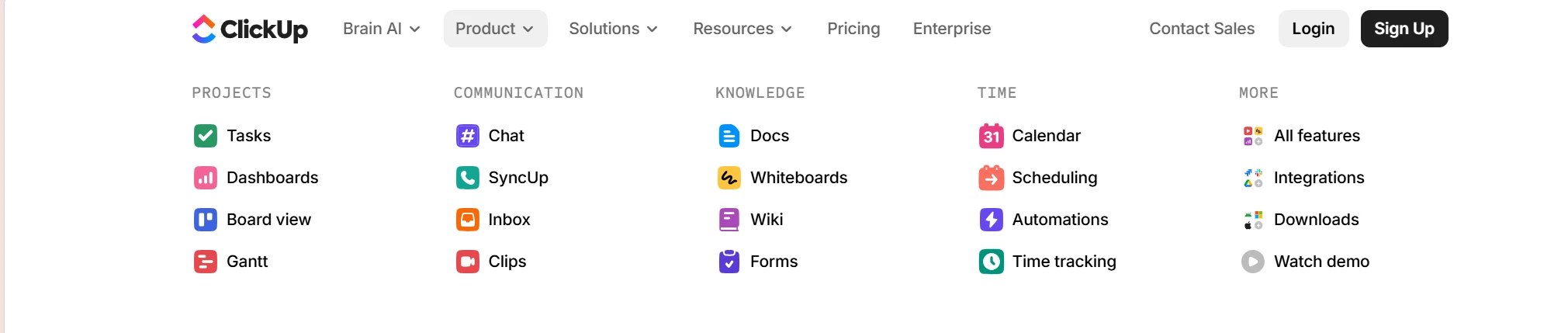
To give you a quick snapshot, here is how the core capabilities stack up:
| Dimension | Buildin | ClickUp |
|---|---|---|
| Core Advantage | Native Monetization + Private On-Premise Deployment | Granular Task Management + 15+ Custom Views |
| Interface Design | Clean, Document-First (Notion-like) | Dense, UI-Heavy, Task-First |
| Content Types | Docs, Databases, Paid Subscriptions, Mind Maps | Tasks, Docs (Secondary), Whiteboards |
| Migration | Seamless Notion Import (via API) | CSV / HTML / Limited Integrations |
| AI Capabilities | Knowledge Synthesis, Summarization, Generation | Task Automation (ClickUp Brain) |
| Data Privacy | Private On-Premise (Enterprise Edition Self-Hosted Only) | Cloud-First (Enterprise Cloud options) |
| Monetization | Built-in Payment Gateways & Subscription Management | None (Internal use only) |
When to Choose Buildin
Buildin is the superior ClickUp alternative if your goals align with any of the following scenarios:
1. Commercial Creators & Knowledge Entrepreneurs
This is the biggest differentiator. If you are a consultant, educator, or digital creator, ClickUp cannot help you earn revenue. Buildin can.
Monetization Ready: You can turn your notes, templates, and tutorials into paid content directly within the app.
Simplify the Stack: Instead of paying for Notion (writing) + Gumroad (selling) , Buildin handles the entire "Create → Manage → Monetize" lifecycle.
2. Teams Migrating from Notion
If your team loves the block-based editing style, ClickUp will feel like a shock to the system. ClickUp's interface is rigid and menu-heavy.
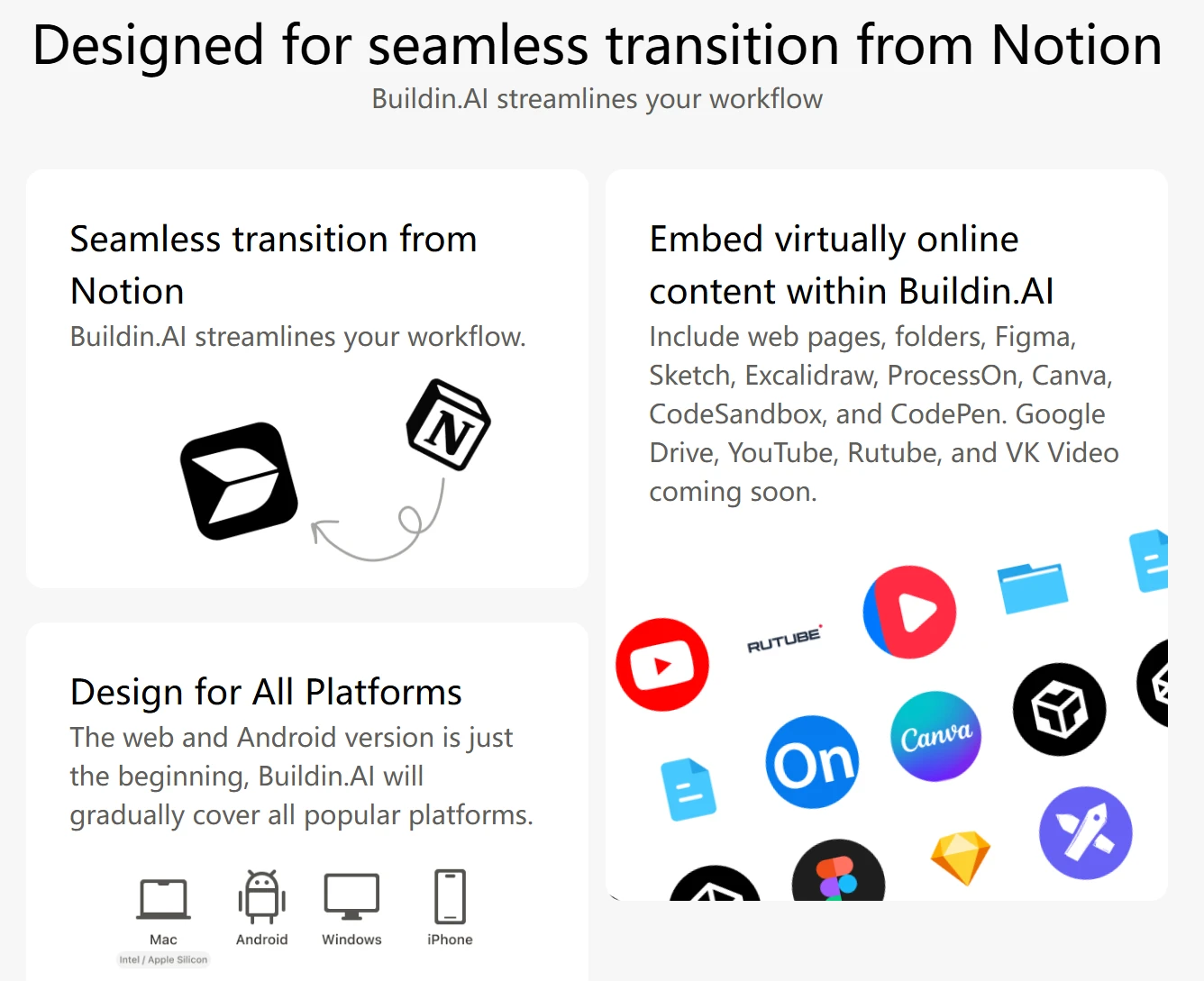
- Seamless Transition: Buildin offers a direct import feature via the Notion API. This ensures your databases, nested pages, and formatting are preserved perfectly—something standard CSV exports used by other tools cannot achieve.
3. Enterprises Requiring Data Sovereignty
In an era of data leaks, many organizations (finance, legal, government) cannot use public cloud software.
- True Privacy: Buildin offers private on-premise deployment. You can install Buildin on your own servers, ensuring 100% control over your data. ClickUp is primarily a cloud SaaS; while secure, you generally play by their hosting rules.
4. Knowledge Management Lovers
If your work revolves around writing strategies, SOPs, and research rather than just ticking off checkboxes, Buildin's document-first approach is superior. Its AI-powered knowledge base helps you search and summarize content instantly, acting as a "second brain" for your team.
When to Choose ClickUp
If you value these characteristics more, ClickUp might be the better choice:
1. Pure Agile Development Teams
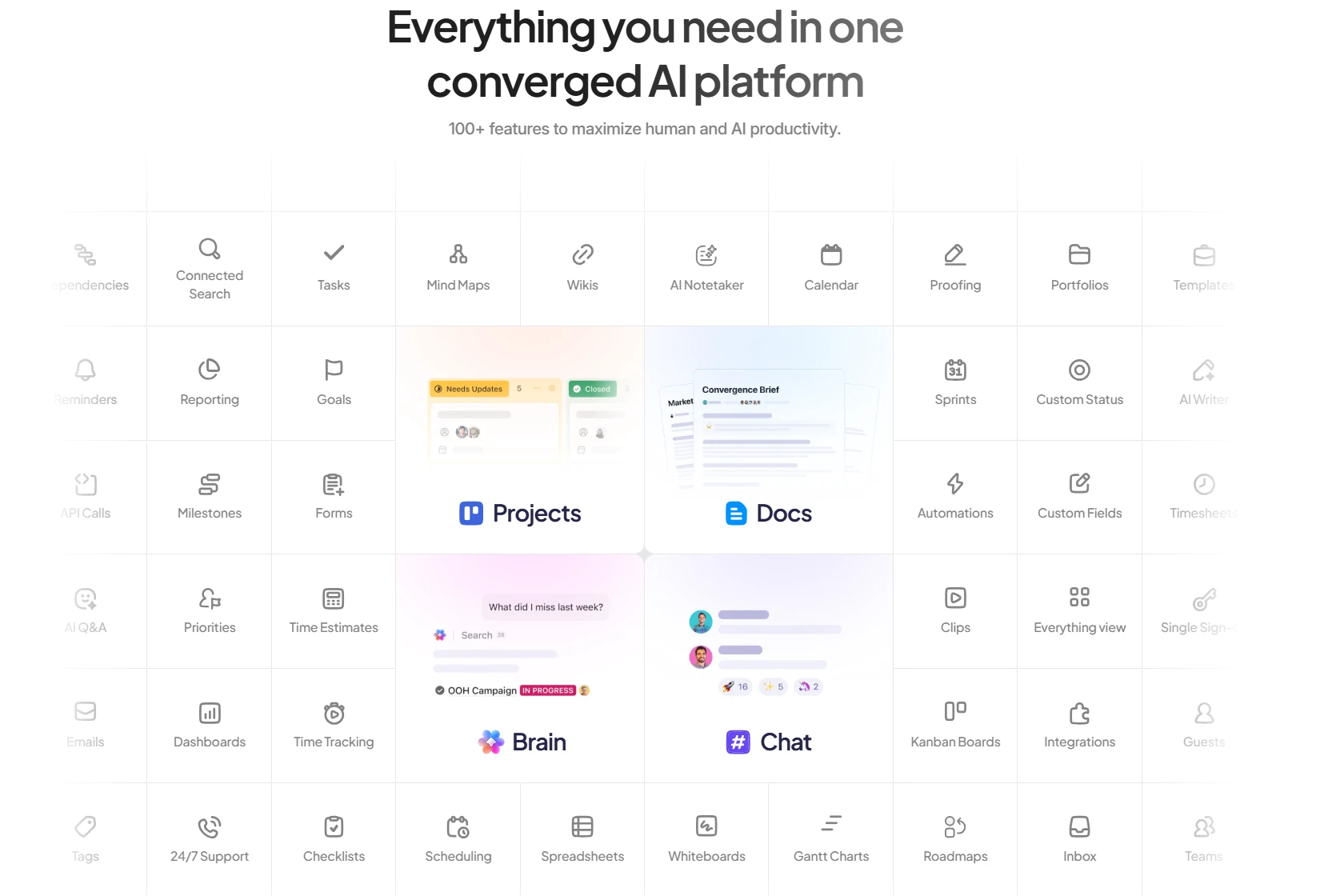
If you run strict Scrum rituals, need burn-down charts, intricate sprint points, and GitHub/GitLab deep integrations for code commits, ClickUp is built for this. Buildin can manage projects, but ClickUp specializes in engineering workflows.
2. Micromanagement Needs
If your management style requires tracking every minute your employees spend on a task (Time Tracking) and viewing workload capacity across 50 people in a Gantt chart, ClickUp's complexity becomes an asset.
Practical Usage Tips: The Real Experience
The Learning Curve
Buildin: If you can use a Word doc or Notion, you can use Buildin. The learning curve is minimal (15-30 minutes).
ClickUp: Be prepared for a steep onboarding process. With customizable ClickApps, spaces, folders, and lists, it often takes teams 2-4 weeks to fully adopt the system without getting overwhelmed.
AI Implementation
Buildin AI: Focuses on Information Gain. It summarizes long documents, generates content, and connects insights across your database. It helps you create.
ClickUp Brain: Focuses on Automation. It helps generate subtasks, summarize comment threads, and automate status updates. It helps you manage.
Collaboration Style
Buildin: Real-time collaboration happens on the page. It feels like working together on a whiteboard or a document. It also includes Mind Maps for brainstorming structure before execution.
ClickUp: Collaboration happens in the "Comments" section of a task. It is transactional and status-oriented.
Let's Talk About Pricing
Choosing a tool is an investment, not just a cost.
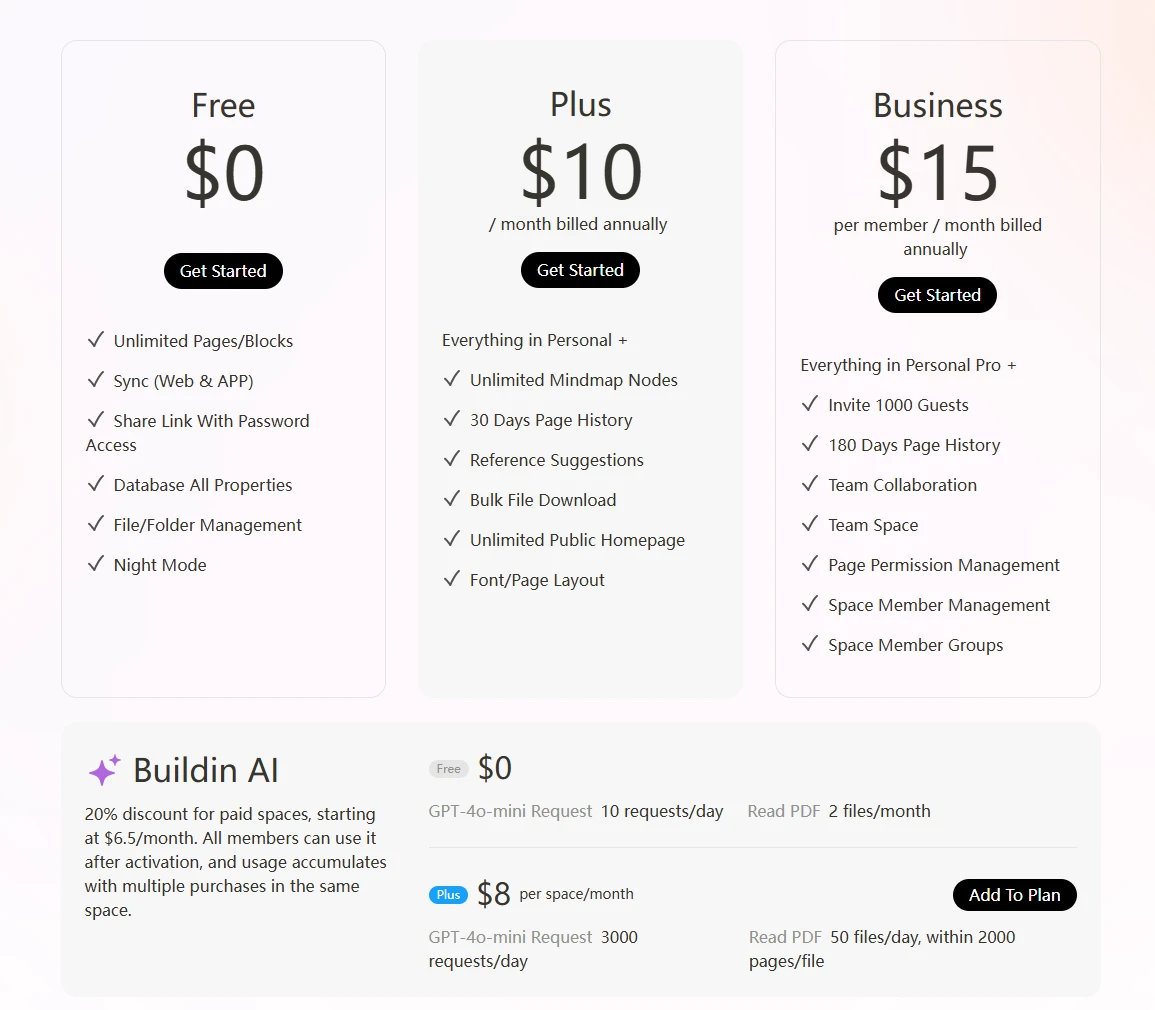
Free: Generous access to core features.
Plus($10/month/user): Competitive monthly rates that include advanced AI and unlimited blocks.
Business($15/month/user): Custom quotes for on-premise deployment, which provides value that goes beyond simple software licensing—it provides security compliance.
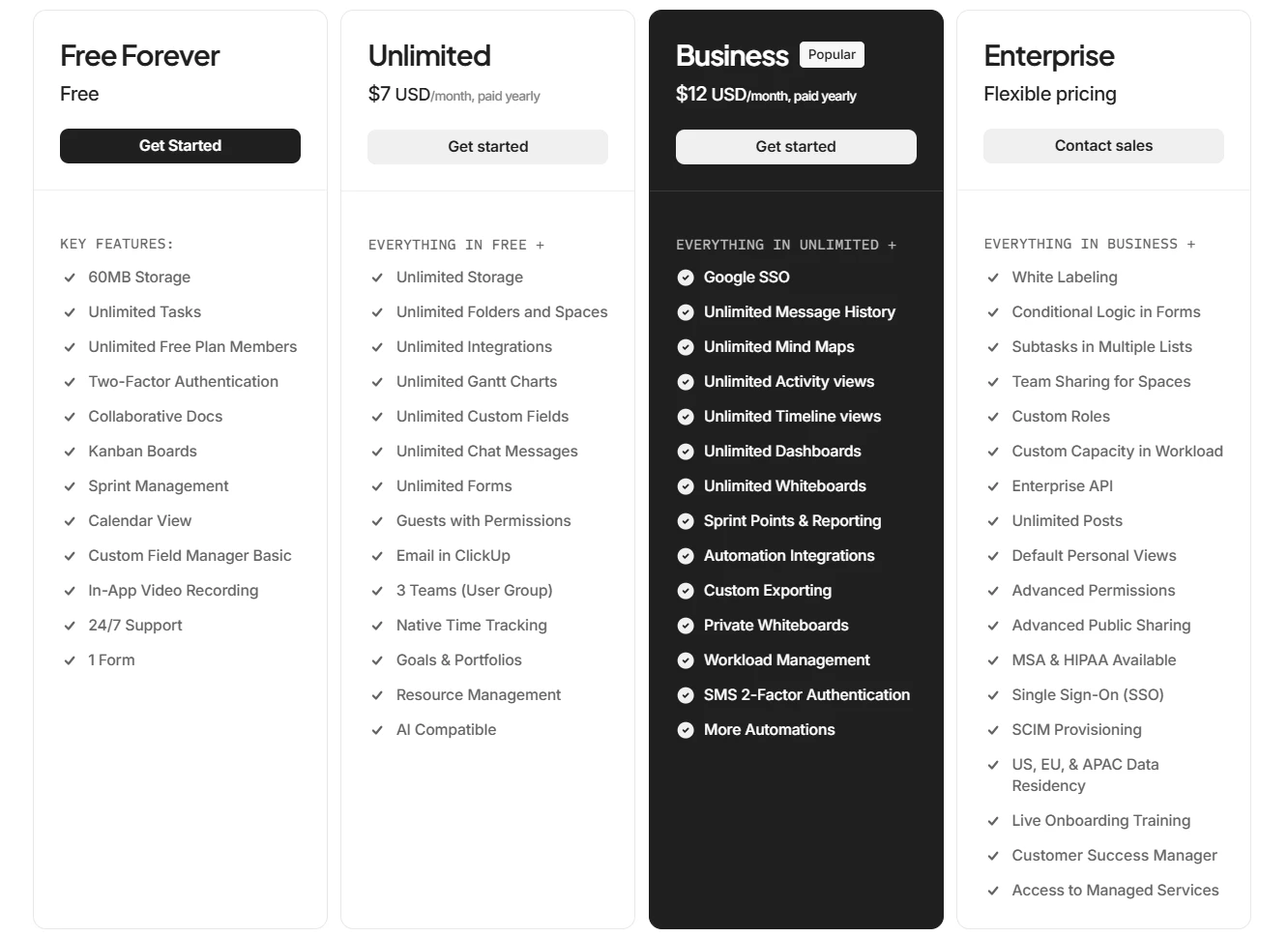
Free: Limited storage and features.
Unlimited ($7/month/user): Essential for small teams.
Business ($12/month/user): Required for advanced time tracking and workload management.
The Value Verdict: If you plan to use Buildin to sell templates or subscriptions, the tool effectively pays for itself. A single $10 sale covers your monthly cost. ClickUp is strictly an expense line item on your P&L.
How to Make Your Decision
To decide between Buildin vs. ClickUp, ask yourself these three questions:
1. Do I need to monetize my content or manage a paid community?
Yes: Choose Buildin. (ClickUp has zero features for this).
No: Both options work.
2. Is data privacy and self-hosting a non-negotiable requirement?
Yes: Choose Buildin for its private on-premise deployment options.
No: ClickUp's cloud security is sufficient for general business.
3. Does my team prefer "Writing & Planning" or "Ticket Tracking"?
Writing/Planning: Choose Buildin (Fluid, document-based, mind maps).
Ticket Tracking: Choose ClickUp (Structured, list-based, rigid).
Final Recommendation
Both platforms are powerful, but they are building for different futures.
If you are a project manager looking for a strict, complex system to track engineering tickets, ClickUp is a solid industry standard.
However, if you are a creator, a knowledge-focused team, or an enterprise looking for a secure, all-in-one platform that allows you to manage projects AND monetize your expertise, Buildin is the clear winner.
Ready to transform your knowledge into value? Start using Buildin for free today and experience the difference.

Sency Shen
Skilled in content structuring, topic breakdown, and background research, with a strong interest in knowledge management and content workflows. Responsible for research, information organization, and foundational content preparation at Buildin.